
The photography workbench · 09
An hour of life.
A few seconds of wonder.
Plan the interval, shooting duration and frame count for your timelapse, then check the finished video length and storage you need.
Explore all 10 tools ↗Build your sequence.
From the first frame to the lastA little time. A different light.
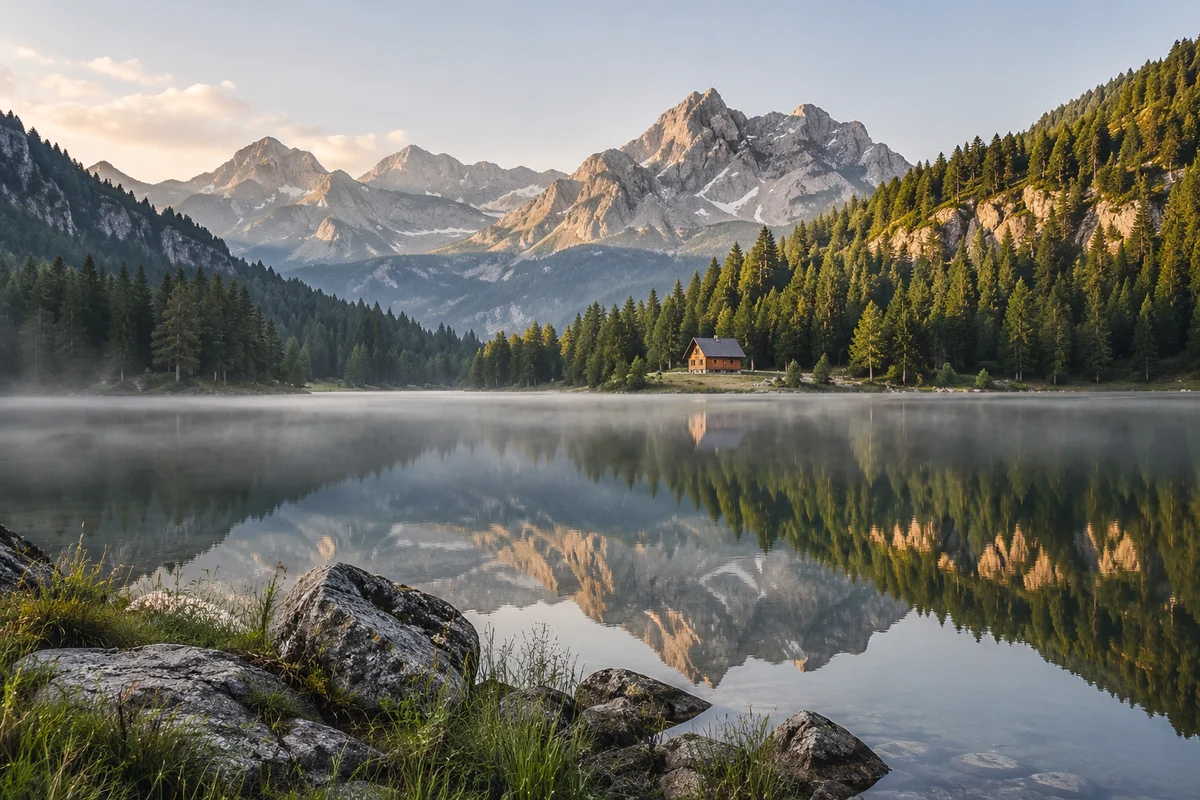
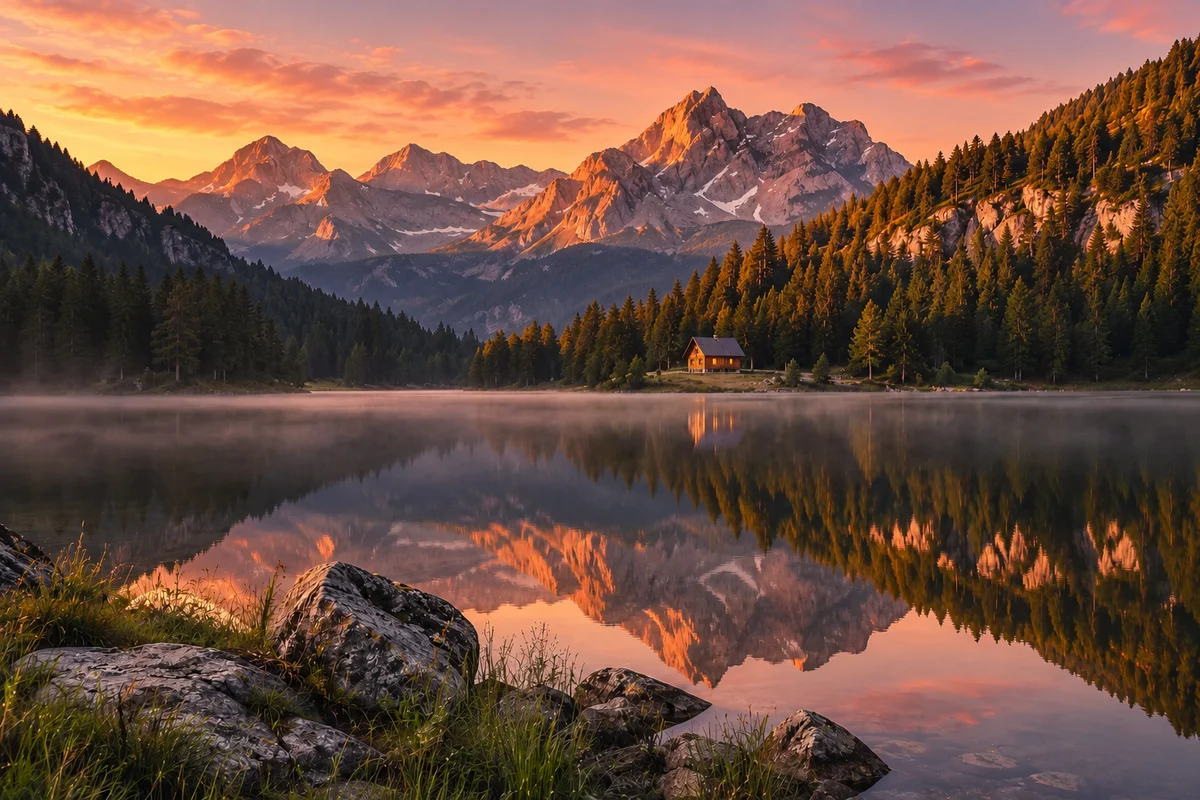
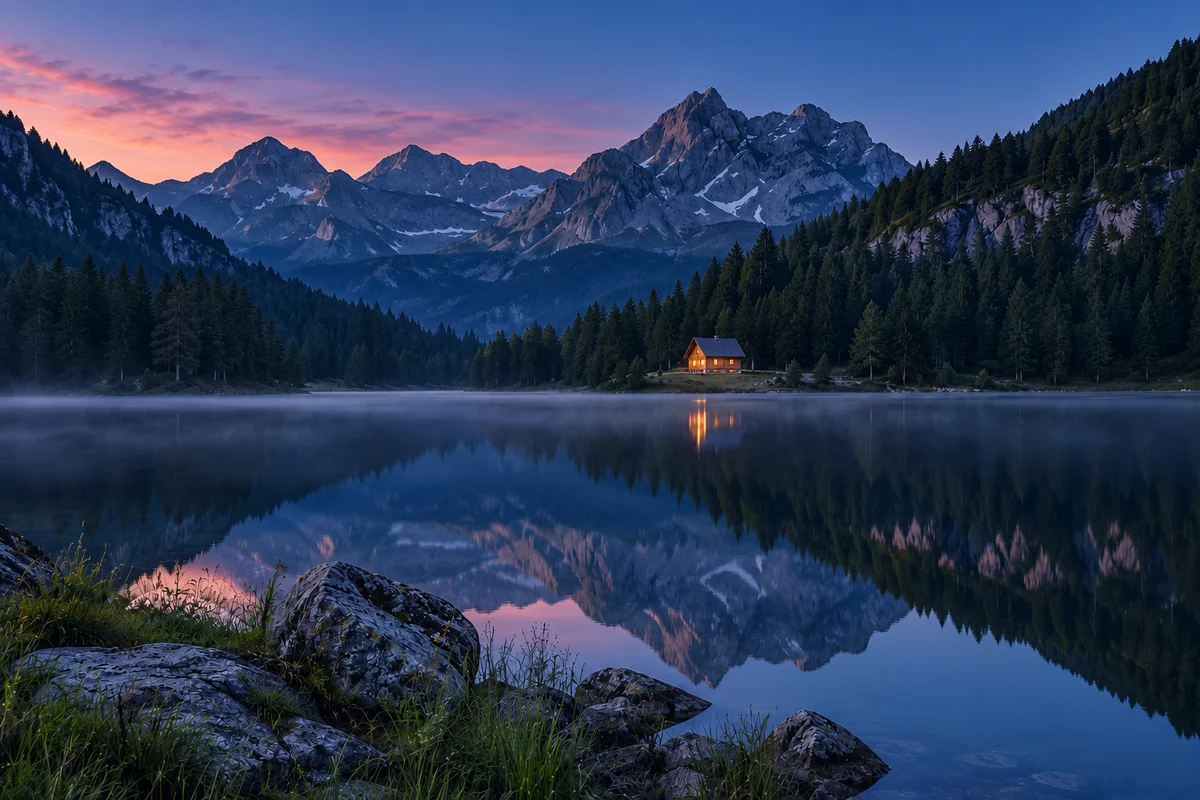 Daylight
1 hour of shooting → 30 seconds of video.
Loading the photo sequence…
An illustrative blend of three AI-generated photos. Playback follows your plan; the light changes shown are an example, not a prediction.
- Frames to capture
- —
- Shooting duration
- —
- Start-to-start interval
- —
- Finished video
- —
- Estimated storage
- —
- Idle time between exposures
- —
Give every frame enough room.
The interval is measured from the start of one exposure to the start of the next. It must fit both the exposure and the camera buffer you specify. Camera processing, card speed and long-exposure noise reduction can require a longer buffer.
The first frame starts at time zero. A frame counts only when its complete exposure fits inside the shooting window. For a target video, the frame count rounds up to a whole frame; the actual video can be slightly longer than requested. Required shooting duration runs to the end of the final exposure.
Storage is an estimate from your per-frame file size, excluding the rendered movie and backup copies. Test your camera’s battery and interval behavior before a long sequence.