
The photographer’s field notes
Get curious.
See the difference.
Play with the light. Find your frame. Get to know your camera. Hands-on photography tools and practical guides, all in one place.
Less guessing. More seeing.
15 interactive photography toolsNew / Shutter speed simulator
A fraction of a second.
A different story.
Freeze the ride. Let the water flow. Compare two exposures of a cyclist, a waterfall or a spinning fan.
Explore shutter speed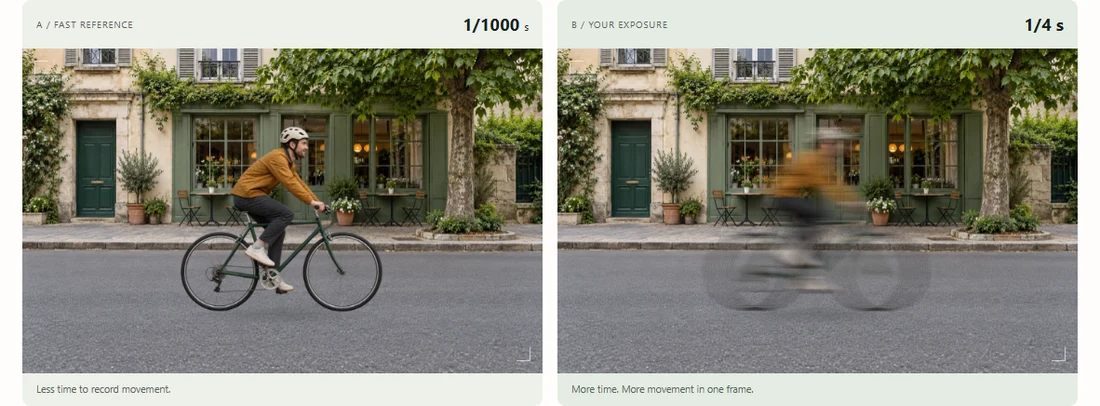
01 / Bokeh & depth of field
Same portrait.
Different feeling.
See how aperture, lens and sensor size change your background. Compare two cameras in one little garden.
Try the bokeh simulator Two cameras · one scene · you’re in control f/1.8
f/1.8 f/8
f/8Actual simulator previews · AI-generated scene · ideal-lens approximation
 Real dimensions. One shared scale.
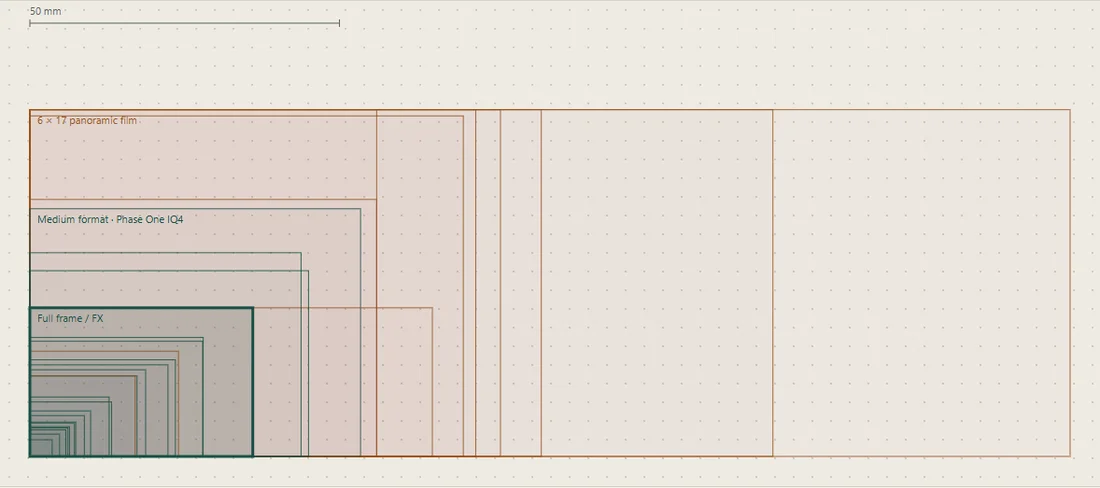
02 / Sensor & film sizes
Put your sensor in perspective.
From tiny sensors to medium-format film. Compare physical sizes, crop factors and the space inside your frame.
Compare sensor sizes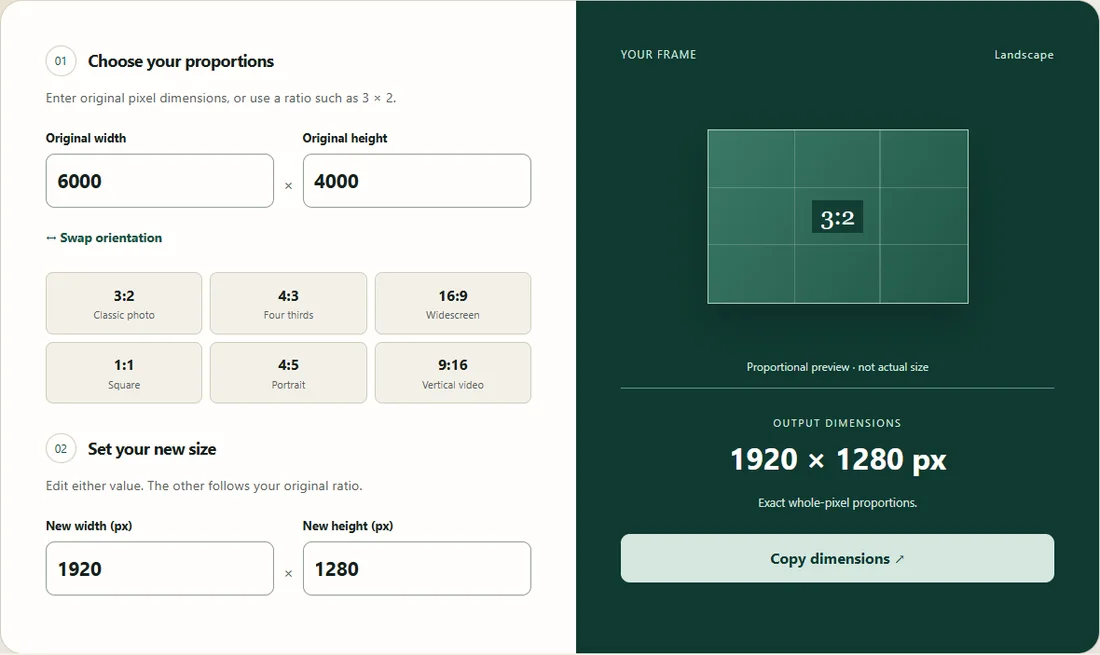
03 / Aspect ratio calculator
A better fit for every frame.
Square, widescreen or something in between. Preview your proportions and calculate the dimensions for your next export.
Find your aspect ratioMore for your photography workbench.
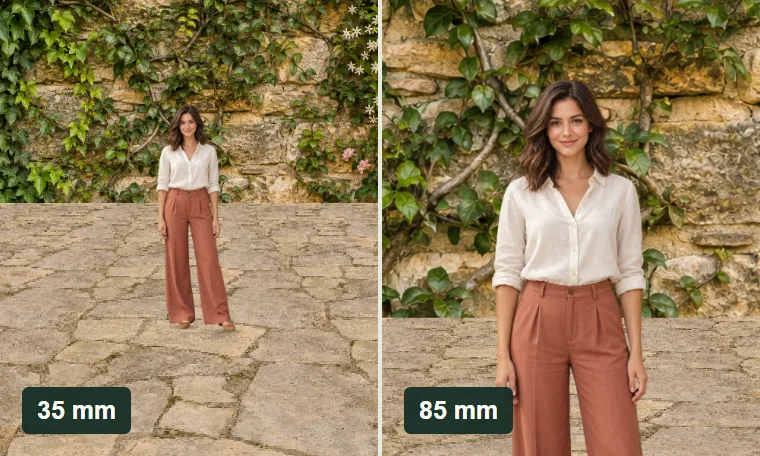
Focal length & perspective
Compare lenses from one position, then move to keep your subject the same size. Watch the background change.
Open the tool ↗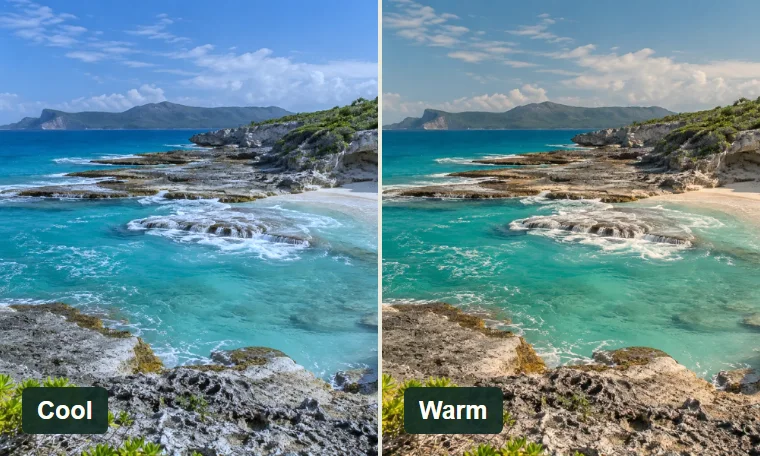
White balance playground
Try color temperature and tint on photographic scenes. Match the light or explore a warmer, cooler mood.
Open the tool ↗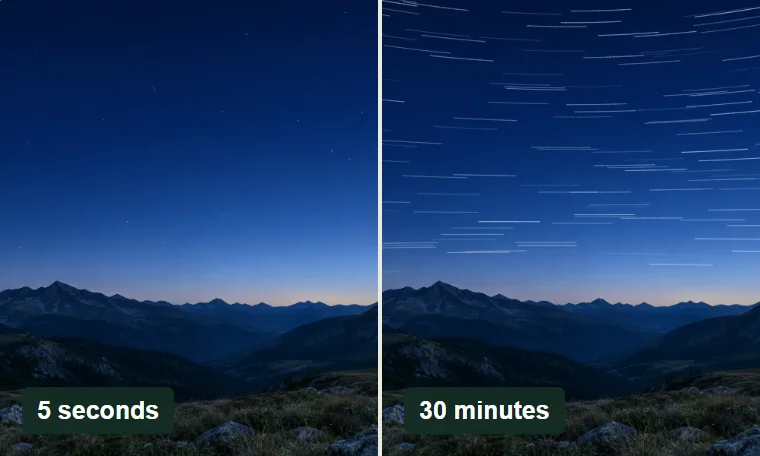
Night-sky exposure simulator
See stars turn into trails. Compare NPF and 500-rule estimates with movement in sensor pixels.
Open the tool ↗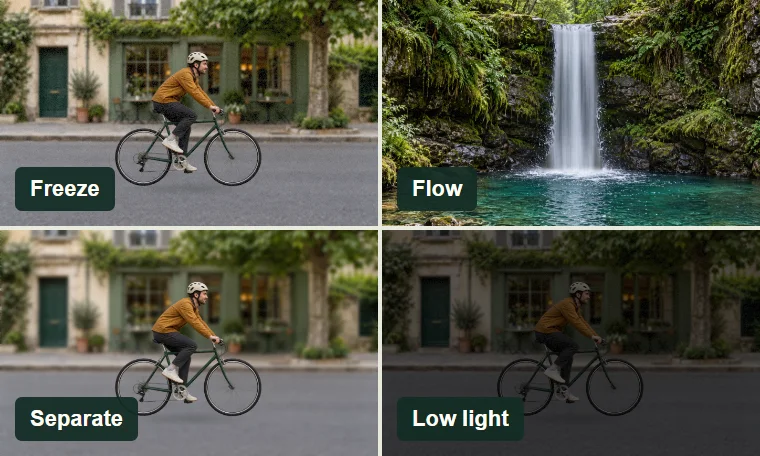
Photography challenges
Freeze motion, smooth a waterfall, separate a subject and work in low light. Four visual challenges with feedback.
Open the tool ↗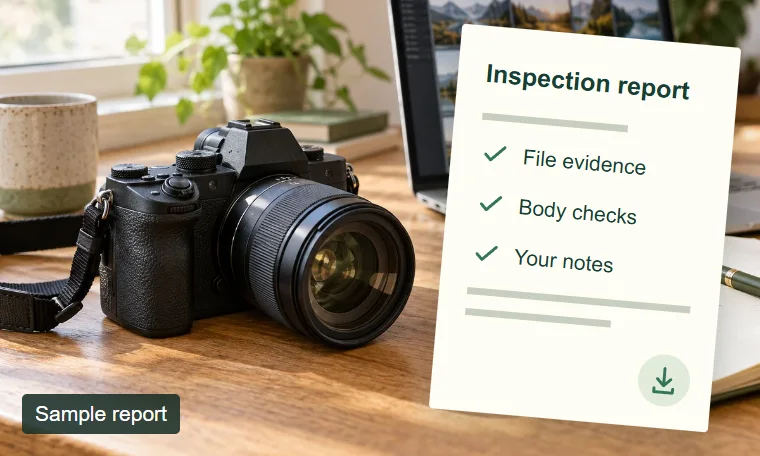
Camera inspection report
Combine embedded camera and shutter-count evidence with your condition checks in one private, printable report.
Open the tool ↗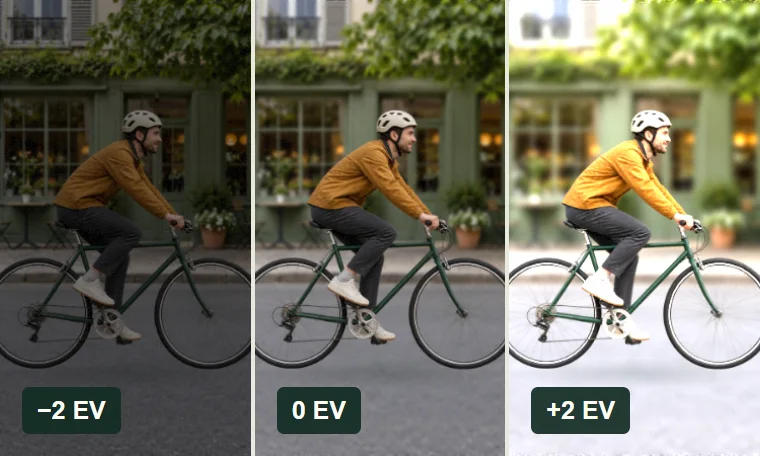
Exposure playground
Aperture, shutter speed and ISO. See light, focus, movement and noise in one photographic scene.
Open the tool ↗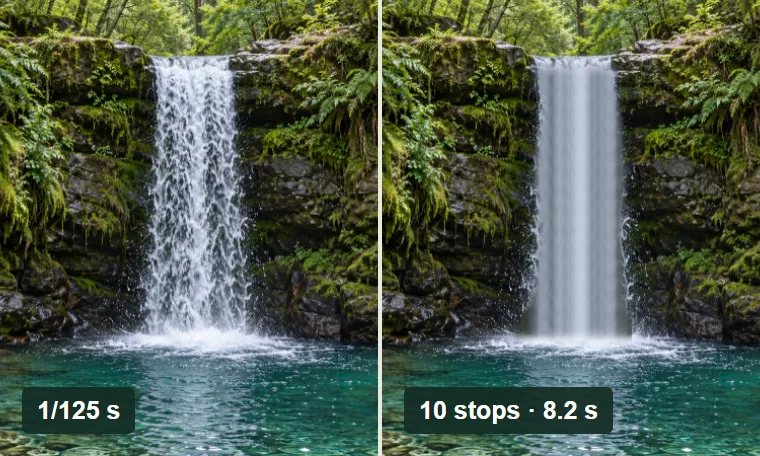
ND filter calculator & timer
Stack filters, calculate your exposure and take a countdown into the field.
Open the tool ↗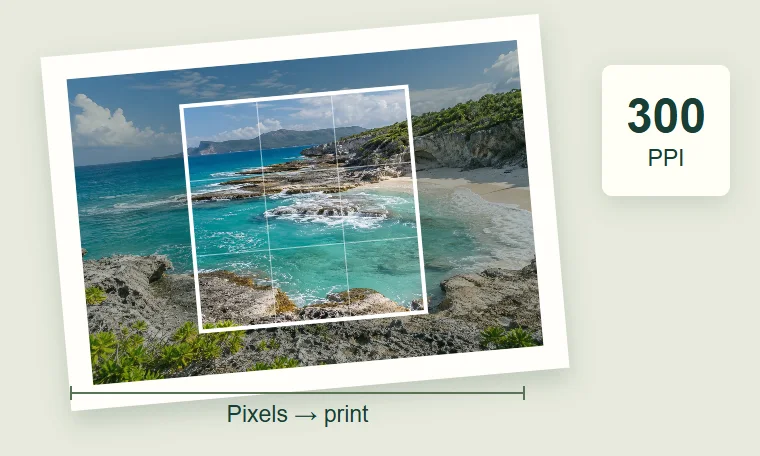
Print size & crop
Frame your photo, check remaining megapixels and find its print size at your chosen PPI.
Open the tool ↗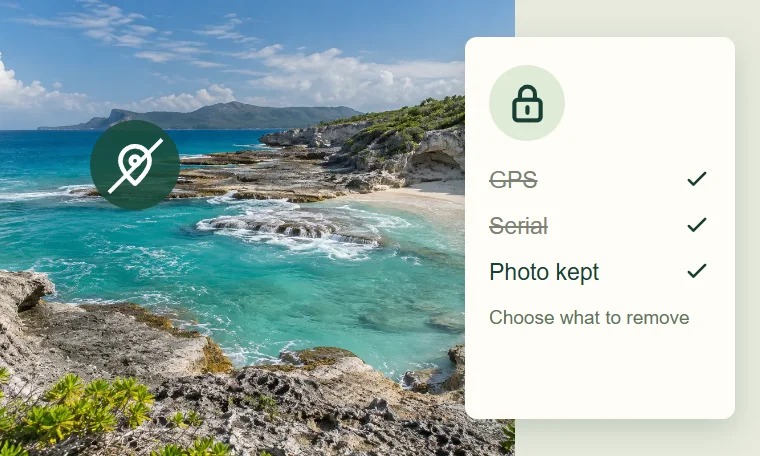
EXIF privacy cleaner
Inspect JPEG metadata, remove selected fields and save a copy without recompressing the image.
Open the tool ↗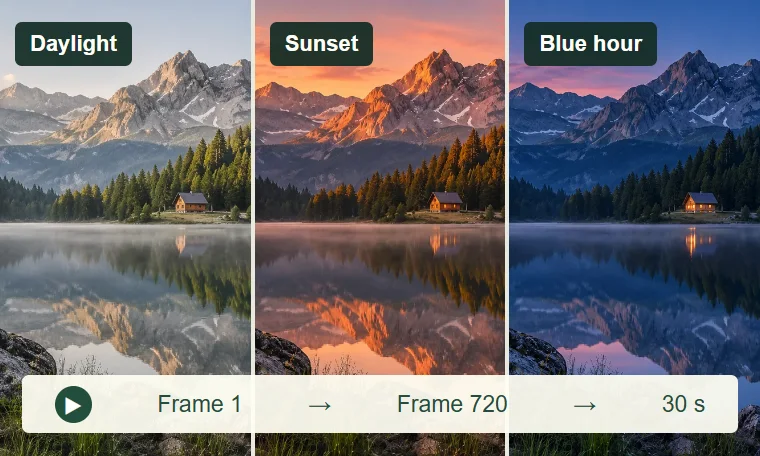
Timelapse planner
Plan your interval, frame count, shooting time, video length and storage together.
Open the tool ↗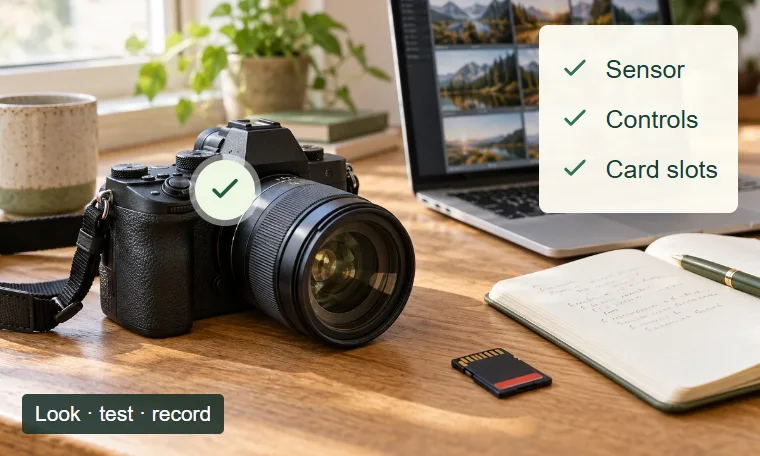
Used-camera inspection
Work through a camera’s condition, record what you find and take an inspection report with you.
Open the tool ↗Explore all 15 photography tools. Free to use, with no account. Selected photos stay in your browser.
Beyond the preview
A little knowledge goes a long way.
Practical checks, careful explanations, and the evidence to back them up.
Start with your photo
A file, a few clues, a clearer picture. Start here to make sense of your camera’s metadata.
Check a Nikon NEF
How to read the named counter, understand camera-specific limits, and choose an original file.
Read the guideReproduce our D2H result
Follow one identified CC0 file from download to Nikon:ShutterCount = 4,350.
Read the guideWhen no shutter count appears
Separate a missing tag, an unsupported format, and a reader that could not finish.
Read the guideCheck accepted formats
What the public checker accepts today and how that differs from our research corpus.
Read the guideBuy and interpret carefully
Know what to ask, what to check, and what a shutter count can really tell you.
Buying a used camera
Request a fresh challenge photo, compare serial and count evidence, and inspect the physical body.
Read the guideWhat shutter count means
Mechanical use, electronic capture, file numbering, and why a count is only one condition signal.
Read the guideCanon methods and limitations
Model-specific alternatives when a photo cannot supply a count; no universal Canon detection claim.
Read the guideCanon shutter durability
How to interpret documented durability figures without turning them into expiry dates.
Read the guideOlympus and OM System counters
An in-camera diagnostic-menu guide with model-specific evidence and cautions.
Read the guideInspect our evidence
Real files. Recorded results. Follow the samples and see the limits behind every finding.
273 Nikon NEFs, model by model
All 82 device labels, missing counters and 111 files with two distinct shutter fields.
Read the guide1,870-file compatibility research
Original measured results, selected sample records, negative findings, and unresolved counter meanings.
Read the guideHow we test and handle corrections
Our extraction procedure, evidence levels, controlled capture protocol, and privacy boundaries.
Read the guideAbout ShutterActuations
Who is responsible for the project, what has been tested, and the limits of the work.
Read the guide